Cuseum vs WalletWallet API
A side-by-side comparison of Cuseum and WalletWallet for Apple and Google Wallet membership cards. Managed museum engagement platform versus developer pass API, with an even-handed pick guide.
Cuseum and WalletWallet both put membership and loyalty cards in Apple Wallet and Google Wallet, and for that core job either one can do it. They mostly differ on use case: Cuseum wraps the card in a managed engagement suite for cultural institutions, while WalletWallet is a general pass API you run yourself. The card itself is common ground, so a team weighing the two can reasonably go with either, and the real question is whether you want a vendor to run the program for you or to run it yourself. WalletWallet is an API with flat pricing and a no code dashboard (the Pass Editor and Pass Manager) on top, so a small team can run its own program without an engineering department, usually for far less than a managed platform. For most teams that is the better trade. This page lays out where each one fits, including the cases where Cuseum’s managed suite is worth the premium.
For options beyond these two, see the broader MembershipAnywhere alternatives shortlist.
We try to be upfront, including where Cuseum is the better choice. Cuseum details here were pulled from its own site on 2026-06-30.
Summary
- Cuseum is a managed engagement platform for cultural institutions. It issues digital membership cards to Apple Wallet and Google Wallet, and adds mobile engagement, a member portal, SMS messaging, loyalty and rewards, guest pass referrals, digital tickets, and augmented reality. It connects to membership CRMs (Tessitura, Blackbaud, Salesforce, ACME Ticketing, Spektrix, and others) and to Zapier. Onboarding is sales led: pricing is not public and the main call to action is Request a Demo.
- WalletWallet is a two endpoint API with a dashboard. Pricing is flat: Free covers 1,000 passes a month, Pro is $39/month for up to 100,000 passes a month with updates, push, and location triggers included at no per action cost. An API key is self serve from the dashboard on every plan.
- Pick Cuseum if you specifically want a vendor to run a full membership program for you, with native CRM sync and a broad engagement suite. It is a managed service sold through a demo and a quote, so it sits at the premium end of the range, and that premium pays off only if you use the wider suite.
- Pick WalletWallet if you would rather run it yourself, which is the better fit for most teams. The no code Pass Editor and Pass Manager let you design, issue, update, and re-push digital membership cards without an engineering team, and with a bit of AI coding help even a small cultural institution can stand up its own program quickly, on flat public pricing.
What Cuseum is
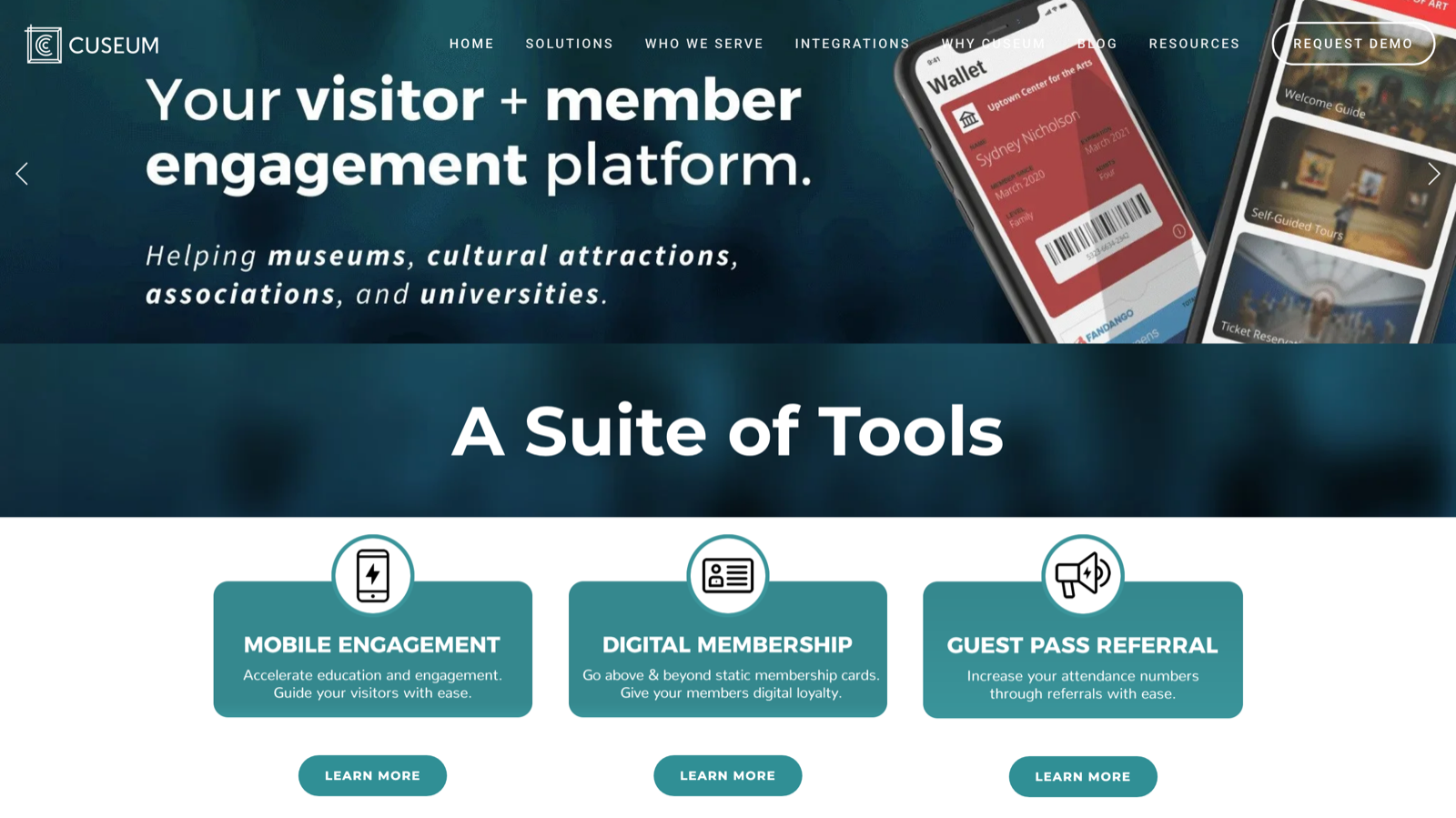
Cuseum (cuseum.com, founded 2014, based in Boston) is a visitor and member engagement platform for museums and cultural institutions. Its homepage describes it as a visitor and member engagement platform used by museums, cultural attractions, associations, and universities. Alongside digital membership cards, the platform includes mobile engagement, a member portal, SMS messaging, loyalty and rewards, guest pass referrals, digital tickets, and augmented reality experiences.
Its digital membership cards go in both Apple Wallet and Google Wallet. Members receive a card by email or text link, or through a member portal, and the card updates automatically when membership status changes, with push notifications for renewals, events, and offers. Cards are configured to match the institution’s brand, and the platform connects to membership CRMs (Tessitura, Blackbaud, Salesforce, ACME Ticketing, Spektrix, NEON CRM, PatronManager) and to Zapier. Onboarding is sales led: there is no public pricing, and the main call to action across the site is Request a Demo.
What WalletWallet is
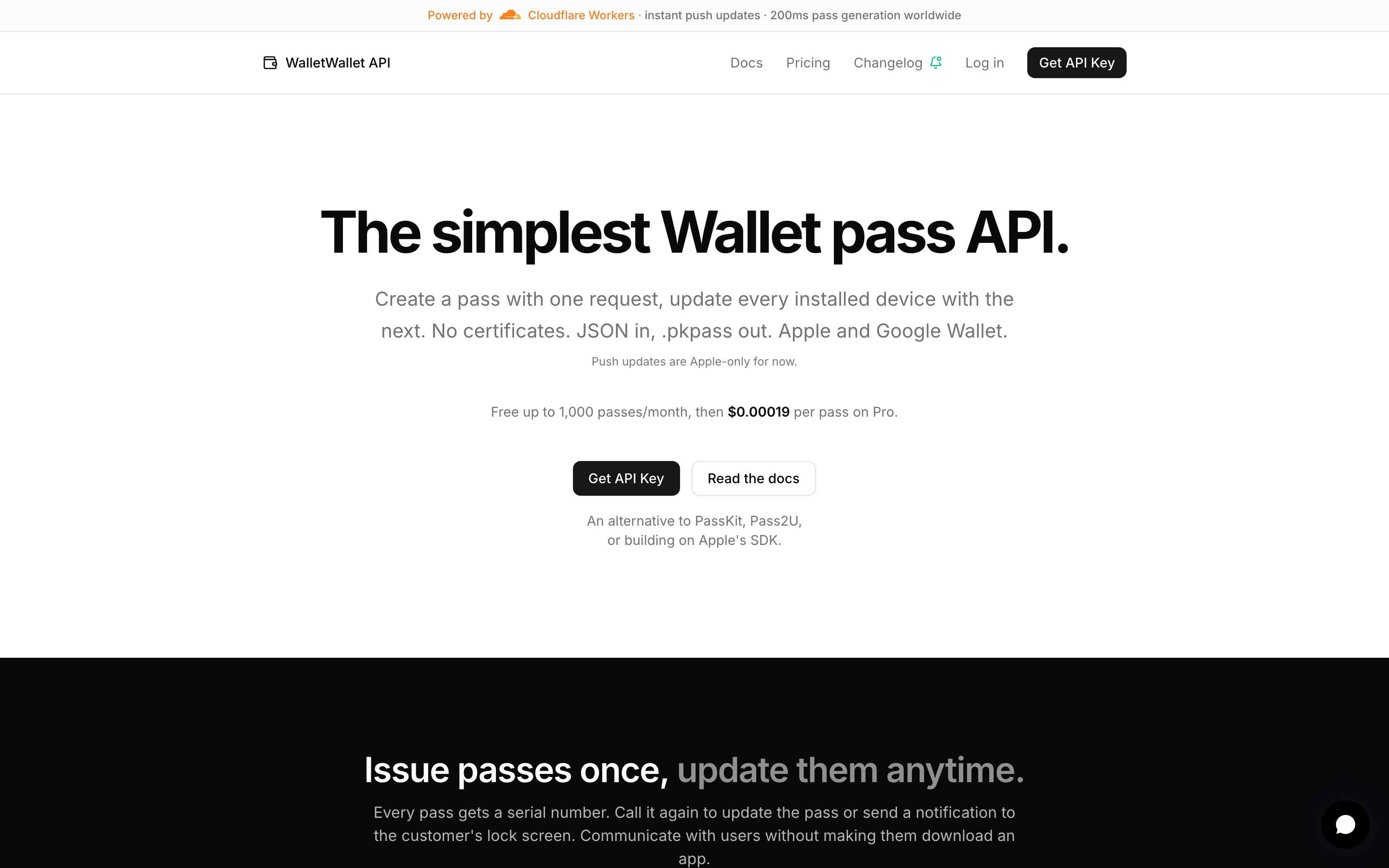
WalletWallet is a REST API for Apple Wallet and Google Wallet passes, with a dashboard for teams that prefer not to call the API by hand. One POST /api/passes returns the signed .pkpass, the Google Wallet save link, and a hosted share page, so a single request covers both wallets. Notable pieces:
- One request to both wallets:
POST /api/passesreturns the.pkpass, the Google save URL, and the share link. - Push updates:
PUT /api/passes/<serial>pushes a change to every installed device, on both wallets, with no per update fee. - Revoke:
DELETE /api/passes/<serial>invalidates a pass on every device it is installed on. - Up to 10 location triggers per pass and per field
changeMessagebanner text. - A hosted share page at
/p/<serial>with the right Add to Wallet button per device and a QR code on desktop. - A no code Pass Editor for designing passes and a Pass Manager for finding, editing, and re-pushing any pass you have issued.
- An API key you generate yourself from the dashboard, on every plan.
Side by side: how you issue a card
Cuseum’s model is a managed setup: you connect your membership CRM or import your member data, Cuseum configures the card design to your brand, and cards are issued and kept in sync from there. Cuseum says most organizations launch within a few days. The card program is run for you rather than called from your code.
WalletWallet is a single call:
curl -X POST https://api.walletwallet.dev/api/passes \
  -H "Authorization: Bearer ww_live_..." \
  -H "Content-Type: application/json" \
  -d '{
    "logoText": "Uptown Arts Center",
    "primaryFields": [{ "key": "level", "label": "Membership", "value": "Family" }],
    "barcode": { "format": "qr", "message": "MEMBER-4471" }
  }'
The response carries the signed .pkpass, the Google Wallet save URL, and the share link in one shot. The difference in philosophy: Cuseum is a platform a museum adopts and has run for it (with CRM sync, a member portal, and an engagement suite), while WalletWallet is an API you call from your own product or scripts. Both are valid; the right one depends on whether you want a managed program or a building block.
Pricing and how you buy
Cuseum does not publish pricing. The site routes you to Request a Demo, so cost is quote based and tied to a sales conversation. It is a full managed platform sold through a sales process, which puts it at the premium end; an institution that mainly wants membership cards can pay a lot more than it would for a self serve pass tool.
WalletWallet is flat and public: Free is 1,000 passes a month with both wallets and no card, and Pro is $39/month for up to 100,000 passes a month. Updates, push, location triggers, and both wallets are included at no per action cost, and you generate an API key yourself from the dashboard.
The practical difference is who runs it and what it costs. Cuseum is a managed service you buy through a demo and a quote, which fits an institution that wants a vendor to run the program for it. WalletWallet is flat and self serve, and because the Pass Editor and Pass Manager are no code, a small team can design, issue, and update its own membership cards without paying for a managed rollout, and stand the program up the same day.
What WalletWallet does not do (yet)
Cuseum is a broader, museum specific product in several ways, and if you need these, Cuseum is the better pick:
- Native connectors to membership CRMs and ticketing systems (Tessitura, Blackbaud, Salesforce, ACME Ticketing, Spektrix, and others) so member data stays in sync without custom work.
- A wider engagement suite beyond the wallet card: a member portal, SMS messaging, loyalty and rewards, guest pass referrals, digital tickets, and augmented reality experiences.
- A done for you rollout, where Cuseum configures the card design and program for you, with hands on onboarding and support aimed at non technical museum staff.
If any of these are central to your project, Cuseum covers them and WalletWallet does not.
Feature comparison
| Feature | Cuseum | WalletWallet |
|---|---|---|
| Apple Wallet | ✓ | ✓ |
| Google Wallet | ✓ | ✓ (native, same request) |
| Issue and update passes via a developer REST API | Integrates via CRM connectors and Zapier; onboarding is sales led | ✓ (POST / PUT / DELETE) |
| Self serve API key | No (Request a Demo) | ✓ on every plan |
| Public pricing | Not published (quote via demo) | ✓ flat (Free, $39 Pro) |
| Push updates | ✓ | ✓, no per update fee |
| Revoke a pass | Managed in the platform | ✓ (DELETE /api/passes/<serial>) |
| No code design | ✓ (configured for you) | ✓ (Pass Editor) |
| Manage and re-push issued passes in a dashboard | Member management in platform | ✓ (Pass Manager) |
| Bulk import a member list from a CSV | Member data imported for you during onboarding | ✓ (Batch import, dashboard CSV upload) |
| Membership CRM connectors (Tessitura, Blackbaud, ACME, Spektrix) | ✓ | No (call the API from your own integration) |
| Engagement suite (member portal, SMS, loyalty, referrals, AR) | ✓ | No |
| Packaged digital tickets product | ✓ | No (you model the pass yourself) |
| Target buyer | Museums and cultural institutions | Developers and businesses, any use case |
A few items we do not claim either way: Cuseum’s exact pricing (not public), and whether Cuseum exposes a self serve API to programmatically generate and update wallet passes (its public materials describe CRM and integration APIs with sales led onboarding, not a self serve pass generation API). We also do not cite third party review scores we could not confirm from a primary source.
When Cuseum is the better pick
- You want a vendor to run your membership program for you, not to run it yourself.
- You need native sync with a membership CRM or ticketing system (Tessitura, Blackbaud, Salesforce, ACME Ticketing, Spektrix).
- You want a broader engagement suite (member portal, SMS, loyalty, referrals, digital tickets, AR) from one vendor with hands on support.
- A premium, managed, contract based rollout fits your budget and procurement.
When WalletWallet is the better pick
- You would rather run it yourself than hand it to a vendor and pay for a managed rollout.
- You want to design, issue, update, and re-push membership cards from the no code Pass Editor and Pass Manager, with no engineering team required.
- You want to issue cards to an existing member list without writing an integration. Export the list from your CRM, upload the CSV to Batch import, design one card template where CSV columns become
{{column}}tokens, and download a CSV of serial numbers and share links for every member. Batches run up to 100 records on Free and 1,000 on Pro. - You are a cultural institution comfortable doing a bit of setup, optionally with AI coding help, and you want to stand up your own program in a snap.
- You want public, flat pricing and a self serve API key the same day, without booking a demo.
- You want Apple and Google Wallet from one documented REST API, for membership cards or any other use case (coupons, event passes, loyalty, store cards, internal tools).
Try it before you decide
You can build and preview a pass in the editor without writing code, then copy the request when you are happy. Get a free API key (1,000 passes a month, both wallets, no card) and read the docs to see the full two endpoint surface. If Cuseum’s managed museum platform, CRM sync, or engagement suite are what you need, it is the better fit, and we would rather you find that out from this page than mid project.
FAQ
Does Cuseum support Apple Wallet and Google Wallet? Yes. Cuseum issues digital membership cards for both Apple Wallet and Google Wallet, and the cards update automatically with push notifications. WalletWallet also issues to both wallets, from one API request.
Does Cuseum publish pricing? No. Cuseum does not list prices; the site routes you to Request a Demo, so pricing is quote based. WalletWallet publishes flat pricing (Free for 1,000 passes a month, $39/month Pro) and gives you a self serve API key.
Does Cuseum have a developer API?
Cuseum integrates with membership CRMs and ticketing systems and offers integration APIs, and onboarding is sales led. Its public materials do not describe a self serve developer API for programmatically generating and updating wallet passes the way WalletWallet does (POST to create, PUT to update, DELETE to revoke). If a self serve pass API is what you need, that is WalletWallet’s core.
Can I move from Cuseum to WalletWallet?
Yes, if you want a developer API instead of a managed platform. Both produce standard Apple Wallet and Google Wallet passes. You re-create your card shape in WalletWallet and issue from POST /api/passes. WalletWallet is a pass API, not a museum membership platform, so CRM sync and the engagement suite are things you would handle in your own stack.
Last verified 2026-06-30. Cuseum details from cuseum.com, the digital membership product page, and cuseum.com/request-demo. Items we could not confirm from a primary Cuseum page, including pricing, are stated as “not public” rather than as fact. If you spot something out of date, let us know; we would rather correct the page than have it stale.
Try WalletWallet in 60 seconds
Sign up with just an email and verification code (no card), then generate your first signed .pkpass with one curl. Free tier covers 1,000 passes/month, indefinite.