7 MembershipAnywhere Alternatives for Digital Membership Cards
Compare seven MembershipAnywhere alternatives by Apple and Google Wallet support, CRM setup, card management, pricing, and migration effort.
The best MembershipAnywhere alternative depends on what you want to change. Choose Cuseum for a managed digital membership program built around cultural institutions, WalletWallet to run Apple and Google Wallet cards yourself through a dashboard or API, Join It when you also need a membership database and payments, or Zeffy when a free scannable web card is enough for your nonprofit.
MembershipAnywhere may still be the right choice if its CRM integration, onboarding, and engagement features suit your team. Switch when another operating or pricing model solves a specific problem.
Disclosure and methodology: WalletWallet publishes this guide. We checked each product’s first-party product, pricing, support, and developer materials and state where another vendor is a better fit. Prices and features were last checked on August 3, 2026.
Choose by the job you need to do
| If you need to… | Start with | Published starting price | Main tradeoff |
|---|---|---|---|
| Keep MembershipAnywhere’s managed CRM and engagement workflow | MembershipAnywhere | $69/month for up to 500 active members | Costs rise with member count and engagement features |
| Keep your CRM and have a vendor manage the card program | Cuseum | Custom quote | Sales-led rollout with sector-specific implementation |
| Operate cards from a dashboard, with an API available for automation | WalletWallet | Free: 1,000 operations/month; Pro: $39/month for 100,000 | Member records, payments, and renewal logic stay in your existing system |
| Run several wallet-pass programs with advanced integrations and NFC | PassKit | $39.50/month with 250 multi-use passes | Active-pass charges, staff-seat pricing, and Apple credentials |
| Replace a spreadsheet or membership database as well as the card | Join It | $99/month Total plan, plus a 2% service fee | Member records and payments move into its platform |
| Use EU-hosted pass operations and your own Apple signing identity | Passcreator | 5 active registrations free; paid from €16 | Requires an Apple Developer account and certificate |
| Issue at low or uneven volume using prepaid credits | Pass2U | Prepaid credits or $39/month for one model | Updates use credits unless the model is on a monthly plan |
| Get member records and scannable cards free for a nonprofit | Zeffy | Free for eligible nonprofits | Cards do not install in Apple Wallet or Google Wallet |
What MembershipAnywhere already does well
MembershipAnywhere, formerly MuseumAnywhere, connects to an organization’s membership, fundraising, CRM, or ticketing system. It sends cards directly to Apple Wallet and Google Wallet without a separate app and offers renewal notifications plus engagement tools such as coupons, loyalty rewards, guest passes, surveys, and text-to-join.
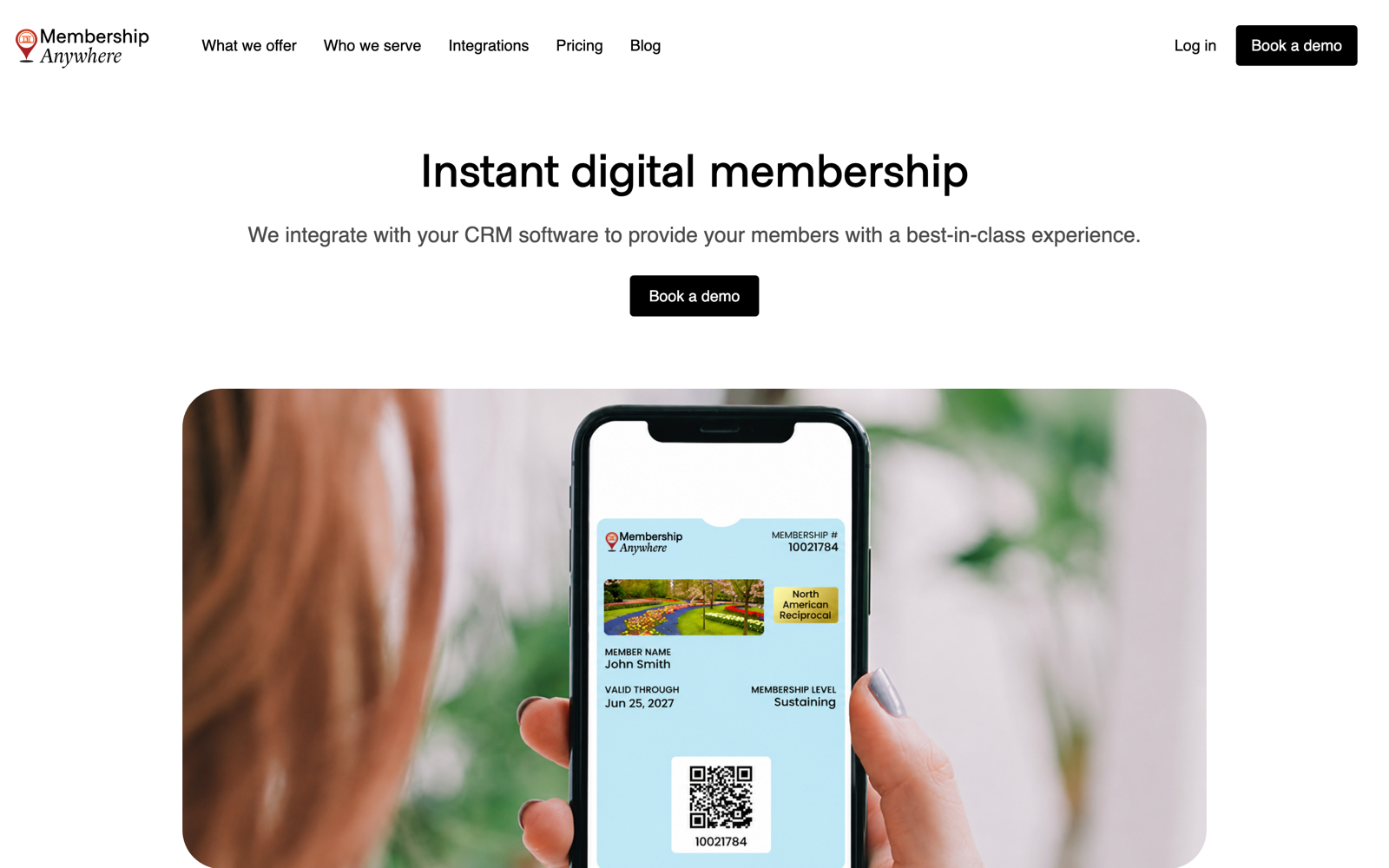
Its published pricing starts at $69 per month for up to 500 active members. The $99 Engagement plan adds coupons, loyalty rewards, and custom push notifications, while the $149 Growth plan adds guest passes, visitor loyalty, and join-and-donate-by-text tools. Its managed onboarding and CRM integrations reduce the work of connecting member data to the card program.
That combination suits a membership director who wants a supported rollout. Consider an alternative for self-serve card management, a broader pass platform, a new membership database, or different billing.
What to compare before you switch
Start with where membership status is maintained. MembershipAnywhere and Cuseum connect to an existing CRM. Join It and Zeffy can hold the records themselves. With WalletWallet, PassKit, Passcreator, or Pass2U, your CRM, spreadsheet, or application remains responsible for membership status.
Compare the staff workflow and multi-year cost. A managed integration can synchronize cards after joining, renewals, and tier changes. A dashboard gives staff direct control, while an API lets the system that owns membership status trigger the corresponding card changes. Vendors variously bill by active members, active passes, updates, staff seats, or payment volume.
Test delivery, renewals, family or guest benefits, and your existing scanners. NFC may also require platform approval, compatible readers, and entry-system integration.
7 MembershipAnywhere alternatives
1. WalletWallet: best for self-serve card operations
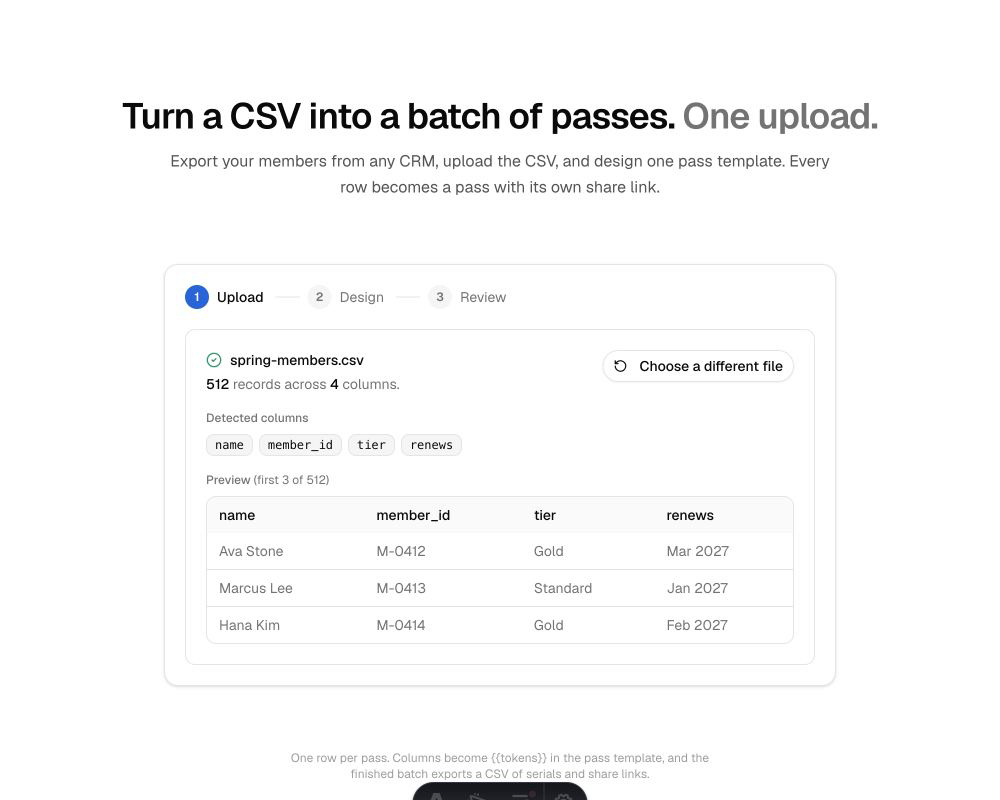
WalletWallet lets staff design and issue digital membership cards for Apple Wallet and Google Wallet without code. Batch import maps a member CSV into a visual template, generates cards in the background, and returns each member’s install link. Batches support 100 rows on Free and 1,000 on Pro.
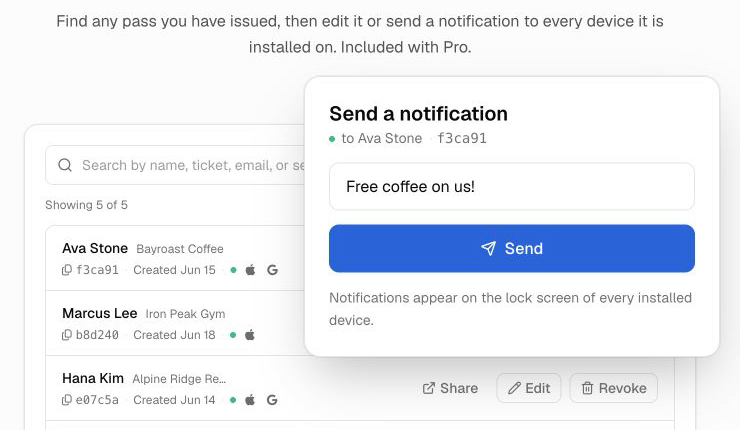
The Pro Pass Manager lets staff search cards, see installs, share links, edit a member’s card, push a renewal change or notification, export the list, and revoke a lapsed card. The API automates card creation, updates, notifications, and revocation from the organization’s existing system.
WalletWallet includes 1,000 operations per month for free, counting new cards and updates that change an existing card. Pro is $39 per month for up to 100,000 and adds Pass Manager, larger batches, and custom branding. WalletWallet signs the Apple pass, so the normal setup does not require an Apple Developer account.
Choose it when your team wants to operate the card program directly and keep its existing source of member data. WalletWallet does not collect dues, decide whether someone renewed, or provide MembershipAnywhere’s native CRM mappings, coupons, loyalty program, surveys, and guest-pass workflows. Staff can apply changes manually in Pass Manager, or your existing system can send them through the API.
2. Cuseum: best managed alternative for cultural institutions
Cuseum is the closest managed alternative for cultural organizations. Its digital membership product sends Apple Wallet and Google Wallet cards, updates them as records change, and supports renewal and engagement messages.
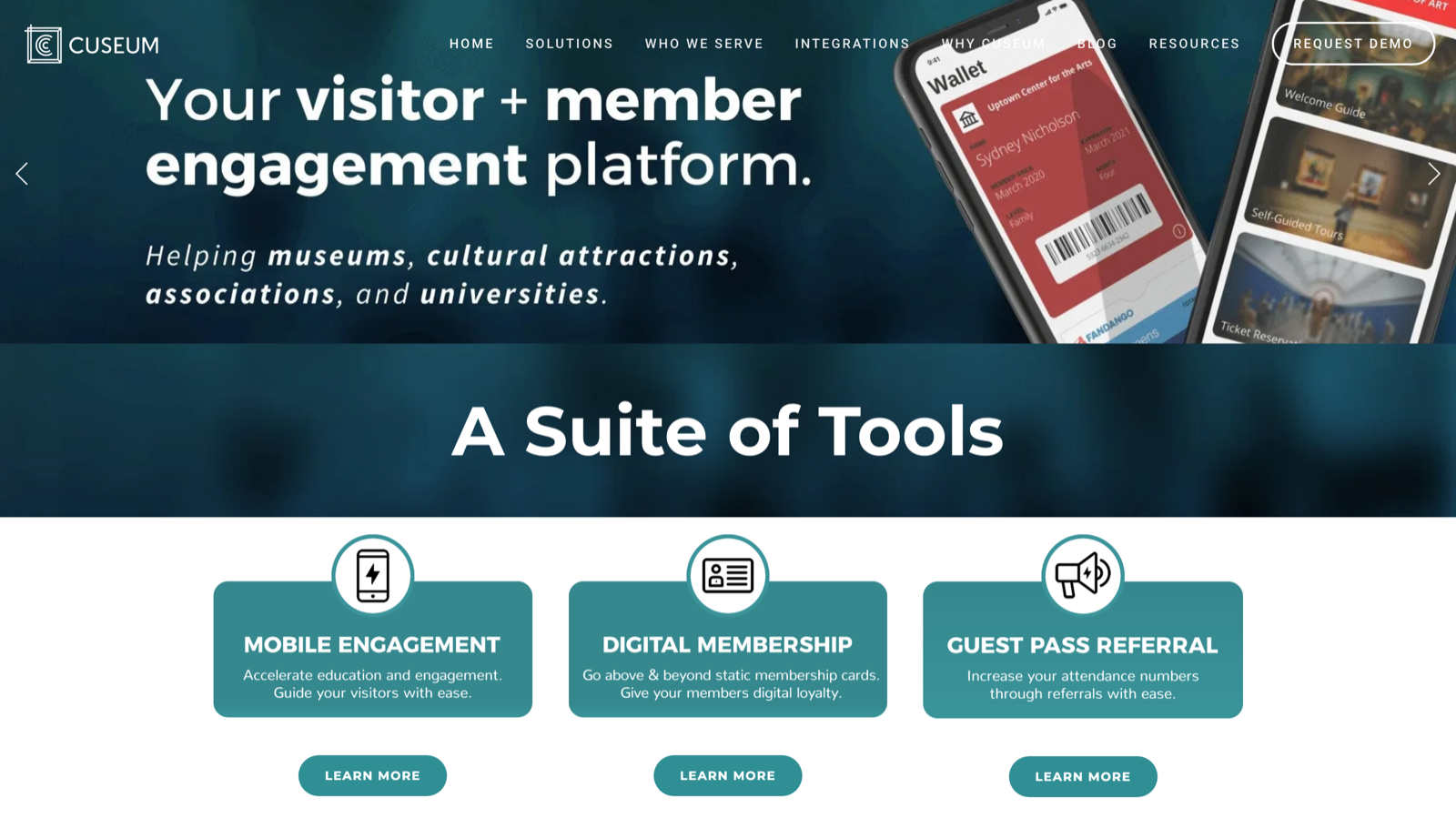
Cuseum lists integrations with Altru, Salesforce, Tessitura, Raiser’s Edge, HubSpot, Bloomerang, Neon CRM, and Zapier. Its wider platform includes member portals, SMS, digital tickets, and visitor experiences. Pricing requires a demo and quote.
Choose Cuseum when sector-specific implementation and ongoing CRM synchronization matter more than self-serve setup. MembershipAnywhere remains easier to budget before a demo and may be the better fit when its published tiers and loyalty, coupon, or guest-pass tools align with your program.
For a deeper managed-versus-self-serve comparison, see Cuseum vs WalletWallet.
3. PassKit: best for a broader wallet platform
PassKit covers membership cards, loyalty cards, coupons, and tickets across both wallets, with a designer, APIs, webhooks, analytics, integrations, and optional NFC. It suits organizations running several pass programs.
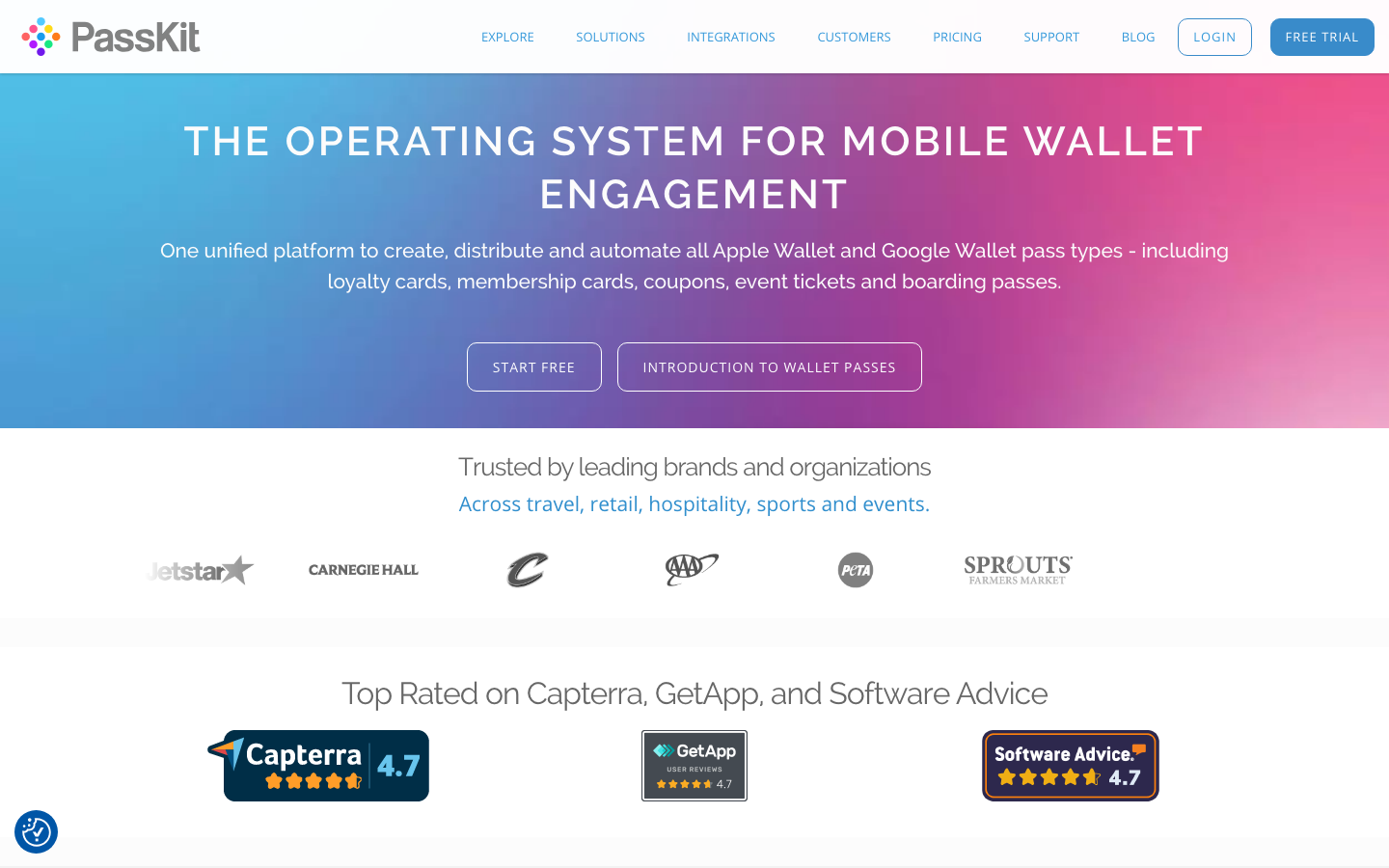
The current PassKit pricing guide starts at $39.50 per month for one username and includes 250 multi-use passes, such as membership cards, plus 250 single-use passes. Multi-use cards are then billed monthly while active, and additional staff usernames increase the platform fee. PassKit also requires your own Apple pass certificate for commercial Apple Wallet passes.
Treat NFC as a separate implementation project. PassKit’s NFC guide says Apple approval and an NFC-enabled certificate are required, along with readers that support Apple VAS and Google SmartTap and software that can process the payload. A barcode rollout is simpler when tap-to-enter is not essential.
For a detailed feature and pricing comparison, see PassKit vs WalletWallet.
4. Join It: best when you also need membership management
Join It combines member records, signup, dues, renewals, email, check-in, and wallet cards. A card can reflect the status, tier, expiration, and QR code in the record Join It manages.
Digital wallet cards are included from the Total plan. Standard monthly pricing starts at $99 for Total, which carries a 2% Join It service fee on online transactions; Stripe processing fees apply separately. Pricing also varies with member count, while annual billing and nonprofit discounts can reduce the subscription.
Choose Join It when replacing a spreadsheet or membership platform. Moving records from an established CRM only to change cards may create unnecessary work.
5. Passcreator: best for EU-hosted wallet operations
Passcreator supports Apple Wallet, Google Wallet, and Samsung Wallet through a visual designer, push updates, landing pages, analytics, API access, and EU-hosted infrastructure. It counts an active registration when a pass has been downloaded and saved to a device, rather than counting every pass generated.
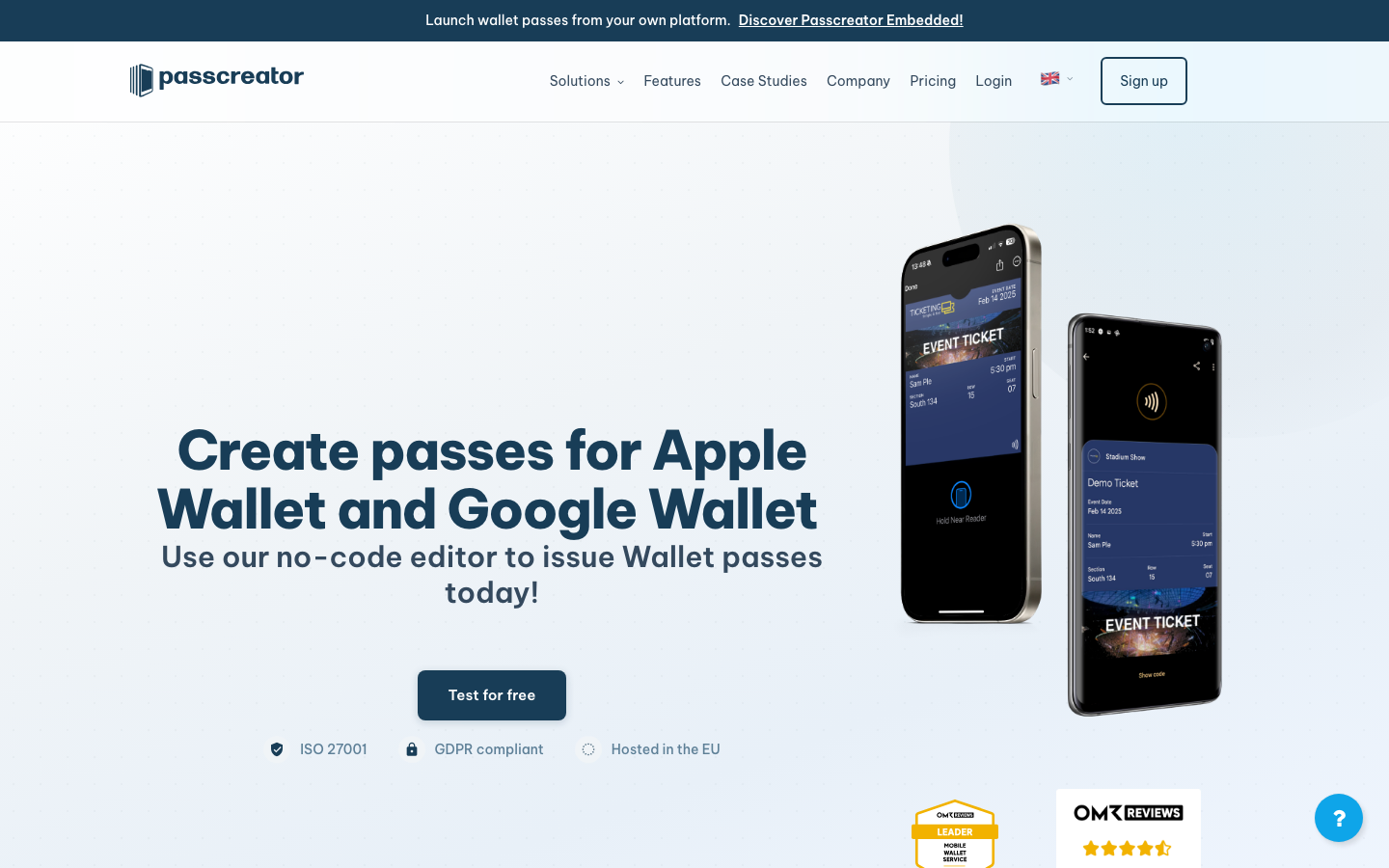
Its current registration page includes five active registrations free; example paid tiers are €16 for 200, €120 for 2,000, and €400 for 10,000, excluding VAT. Passcreator requires the organization to have an Apple Developer account and create its own Apple certificate, although it guides customers through setup.
Choose it for EU hosting, control of the Apple signing identity, visual operations, and several wallet types. Model how many cards remain saved each month.
For a detailed feature and pricing comparison, see Passcreator vs WalletWallet.
6. Pass2U: best for low or bursty pass volume
Pass2U provides a visual pass designer, distribution tools, redemption, analytics, and pass management. Its pricing uses prepaid credits for creation, email delivery, and updates, with monthly plans available per pass model. A normal pass costs three credits to generate and three per update; the $39 monthly plan covers unlimited updates for one model with up to 2,000 active passes.
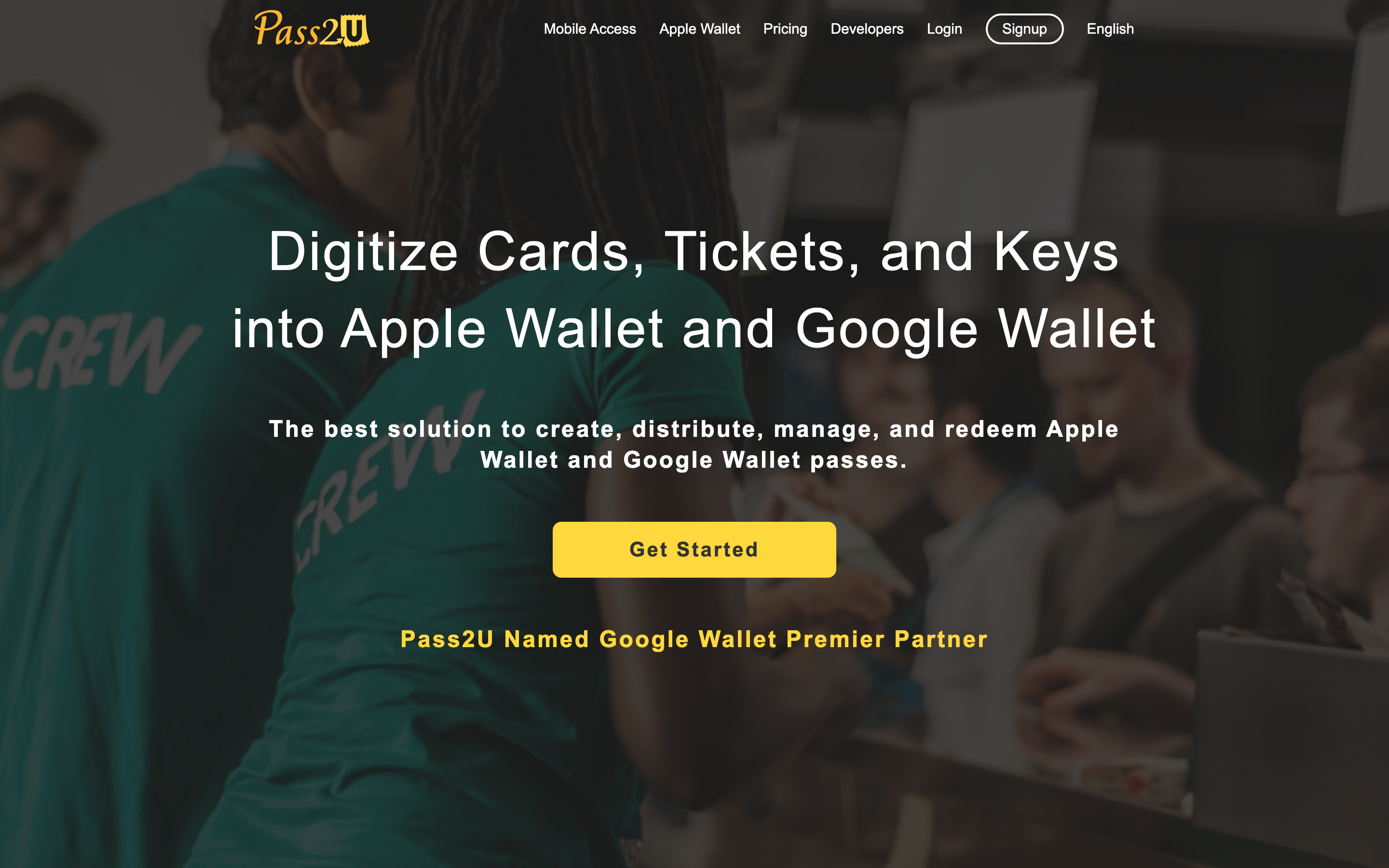
The hosted platform markets Apple Wallet and Google Wallet support. Technical teams should verify their exact Google automation path before committing, because Pass2U’s public REST API documentation describes Apple pass-package fields and returns a .pkpass file. That distinction matters if direct Google Wallet API issuance is a requirement rather than delivery through Pass2U’s managed platform.
Choose Pass2U for occasional or bursty issuance. Frequently updated membership cards need careful modeling or a monthly template plan.
For a detailed feature and pricing comparison, see Pass2U vs WalletWallet.
7. Zeffy: best free option when native wallets are optional
Zeffy gives eligible nonprofits membership forms, member records, renewals, communications, and unlimited branded digital membership cards without platform, transaction, or per-card fees. Cards are created after signup, emailed to members, and can be scanned from a phone.
Zeffy’s membership-card page states that Apple Wallet and Google Wallet passes are not supported. Members can save the mobile card to their phone, but it cannot receive native wallet updates or use wallet-specific features.
Choose Zeffy for a free membership system with a scannable card. Native installation, wallet updates, and lock-screen relevance require another provider.
How the pricing models differ
| Model | Providers | Cost grows with… |
|---|---|---|
| Active members and feature tiers | MembershipAnywhere | Member count and engagement features |
| Flat creation and update allowance | WalletWallet | Cards created or changed each month |
| Quote-based managed service | Cuseum | Integration, support, and project scope |
| Platform, seats, and active passes | PassKit | Staff access and membership cards kept active |
| Membership software and transaction fees | Join It | Member count, plan, and online payment volume |
| Active registrations | Passcreator | Passes downloaded and saved to devices |
| Credits or a monthly model | Pass2U | Issuance and update frequency |
| Free nonprofit platform | Zeffy | Native wallet support is excluded |
For long-lived cards, estimate active members, update frequency, staff access, payment volume, and setup work over at least three years.
A practical migration checklist
- Map where each field is maintained. Record where member status, expiration, tier, benefits, guest allowances, and barcode values originate.
- Export stable identifiers. Preserve member IDs and any barcode values that front-desk systems already recognize, along with status, tier, expiration, and contact details.
- Ask who controls the wallet identifiers. Apple’s update process depends on the Pass Type ID, certificate, serial number, and update service described in its Wallet update documentation. Google objects are also tied to an issuer ID, as shown in Google’s object update documentation. If the outgoing vendor controls these, members will usually need a newly issued card. If your organization controls them, ask both vendors whether continuity is technically and contractually possible.
- Test real entry and renewal scenarios. Install cards on iPhone and Android, test the pass barcode, scan it with the equipment staff use, change a tier, renew a member, cancel a card, and test a family or guest case.
- Plan distribution and support. Prepare email or SMS install links, instructions for members, and a script for front-desk staff. Run a short overlap period when practical.
- Retire the old path deliberately. Once the new cards work reliably and adoption is sufficient, close the previous validation route so an expired credential is not accepted indefinitely.
When MembershipAnywhere is still the right choice
Keep MembershipAnywhere on the shortlist when it supports your CRM, staff want guided setup, and coupons, loyalty rewards, guest passes, surveys, or renewal messaging belong beside the card.
The $69 Essentials plan is particularly reasonable for an organization with up to 500 active members that wants managed card distribution and renewal notifications without building or manually operating the workflow. A cheaper pass platform only saves money when your team can comfortably own the surrounding membership process.
FAQ
Does MembershipAnywhere require members to install an app?
No. Its current materials say cards can be saved directly to Apple Wallet and Google Wallet without a separate third-party app.
Is MembershipAnywhere a complete membership management system?
Its public materials describe a membership and engagement platform that connects to CRM, ticketing, fundraising, and membership systems. If you need a new database for signup, dues, renewals, and member records, compare Join It or Zeffy as a separate category.
Can existing cards move to another provider without reissuing them?
Sometimes, but do not assume it. Continuity depends on who controls the Apple Pass Type ID, signing certificate, update service, and Google issuer and object identifiers. When the vendor owns those pieces, migration normally means recreating the design and sending each member a new install link.
Build your first wallet pass
Turn one JSON request into a pass that installs in Apple Wallet and Google Wallet, with live updates that reach both.